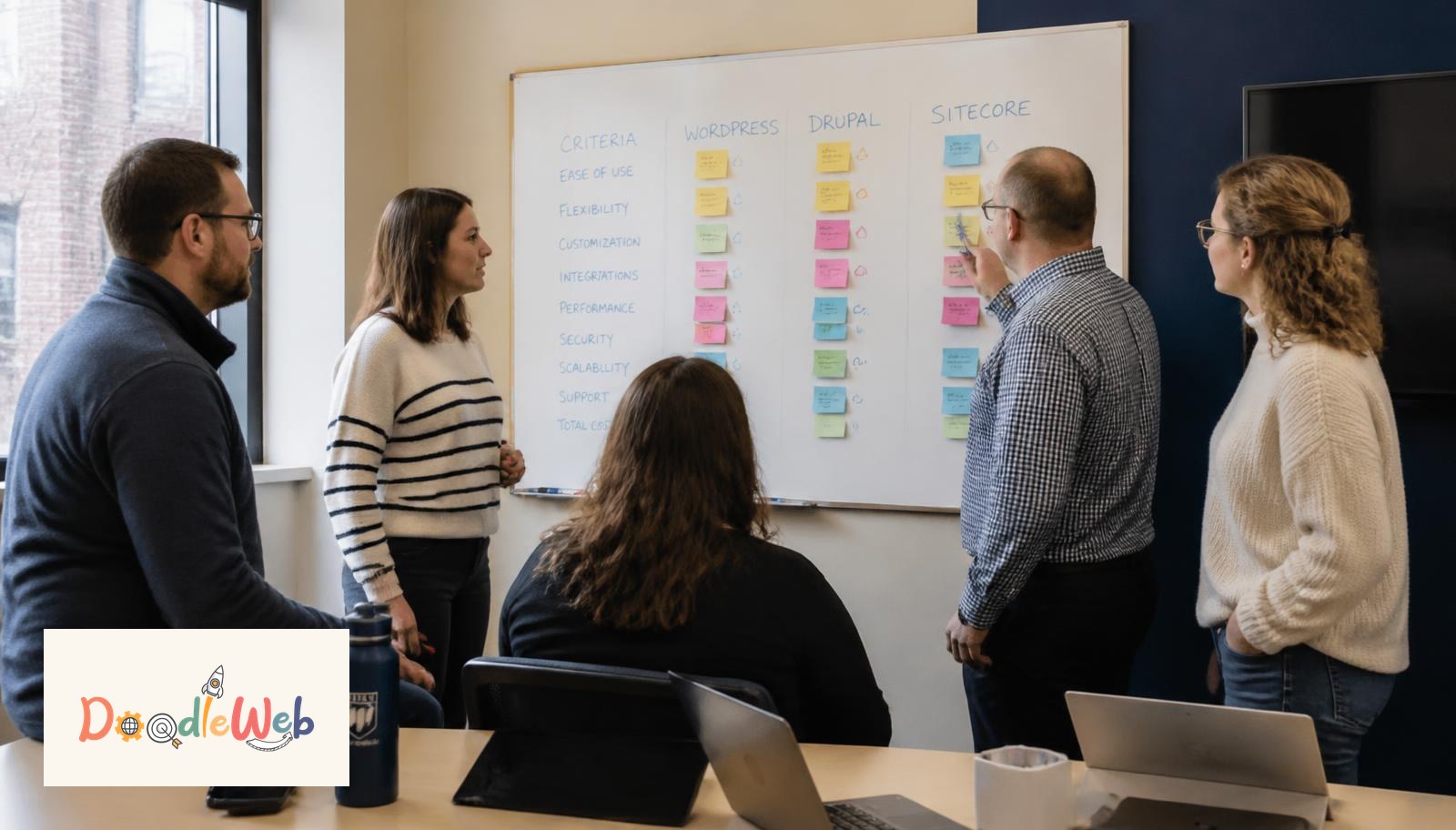
Most college platform decisions are made in a vendor demo, which is the worst possible room to make them in. The demo shows the platform at its best: clean content, no legacy pages, no fifty editors, no student information system. The questions below are the ones we ask on every higher-ed discovery call before a single platform is shortlisted. Bring them to your next demo and the answers will separate the two or three real candidates from the eight on the list.
1. How many editors will actually touch the site?
This is the first question because it changes everything downstream. Under 10 editors, WordPress with a locked block library is usually right. Between 10 and 50, you need workflow, revisions, and role separation, which is where Drupal starts to earn its cost. Above 50 editors across multiple colleges, governance tooling matters more than the page builder.
2. How many program pages need to exist, and who owns them?
Count them honestly. A college with 60 programs and one owner is a template problem. A college with 240 programs owned by 18 departments is a content-model and governance problem, and no CMS solves it by itself. Program pages drive the majority of enrollment traffic, so they get the structured template first.
3. Which campus systems must integrate on day one?
Banner, Colleague, Slate, Salesforce Education Cloud, 25Live, and the course catalog are the usual suspects. Ask which ones need live sync versus a nightly feed. Integration scope is the single biggest driver of cost variance between a $90,000 rebuild and a $340,000 one.
4. What accessibility standard are we committing to, and who signs off?
Public colleges are covered by the DOJ Title II web rule with compliance dates of April 24, 2026 or April 26, 2027 depending on population served. The answer is WCAG 2.2 AA. Ask the vendor whether their templates ship conformant, whether they provide a VPAT, and whether accessibility testing runs in CI on every deploy. Our accessibility services page explains what we test and how remediation is scoped, and we have done exactly this work for George Brown College and Trinity Western University.
5. How will the site perform on a mid-range phone on cellular?
Ask for real Chrome UX Report field data on a live client site with similar page complexity, not a Lighthouse screenshot of a demo page. Targets: LCP under 2.5s, INP under 200ms, CLS under 0.1. If the vendor cannot produce field data, they have not measured it.
6. What happens to our 6,000 legacy pages?
The right answer is a content audit that cuts to the pages that get traffic, then a redirect map for everything retired. Migrating everything is the most common and most expensive mistake in higher-ed rebuilds. See why university websites get slow and hard to manage for what happens when nothing is cut.
7. Who hosts it, and what happens during the September traffic spike?
Application deadlines and orientation week produce 5 to 15 times normal traffic. Ask about autoscaling, CDN configuration, and the incident history of the vendor's hosting partner. Acquia, Pantheon, and WP Engine are the platforms we deploy on for higher ed, and we hold Drupal certified partner status and WP Engine Advanced Agency Partner status.
8. How will the site get cited by AI assistants?
Roughly half of higher-ed research questions now resolve inside an AI answer. Ask the vendor how program pages will be structured for extraction: answer-first paragraphs, EducationalOccupationalProgram and FAQPage JSON-LD, stable canonicals, and consistent facts across the site, Common App, and College Scorecard. Our higher education AI search visibility page covers the full method.
9. What does year two cost?
Licensing, hosting, support retainer, accessibility monitoring, and the inevitable template additions. A platform that is cheap to build and expensive to run is a bad trade for an institution that keeps a site for seven years. Our pricing page publishes the bands we work in.
10. Can our team publish a new program page in under 30 minutes without a developer?
Ask them to prove it live in the demo, using your content, not theirs. If it takes a developer, the site will decay within a year regardless of how good the launch looked.
What is the right order to make the decision?
Answer questions 1 through 3 internally before any vendor call. Use those answers to shortlist two platforms. Run questions 4 through 10 against both shortlisted vendors in the same week with the same content sample. Decide within 30 days, because platform evaluations that run longer than a quarter get overtaken by staff turnover.
Where to go next
Read the complete guide to college website platforms in 2026, the 7 website platform decisions growing colleges must make, and college website development in 2026. Or book a free platform review with our higher-ed team.
Seattle agency · Seattle, WA
A full-service digital agency working in WordPress, Drupal, Shopify, Webflow, React, and React Native. We partner with universities, nonprofits, governments, and growing brands to ship sites that hold up after launch.