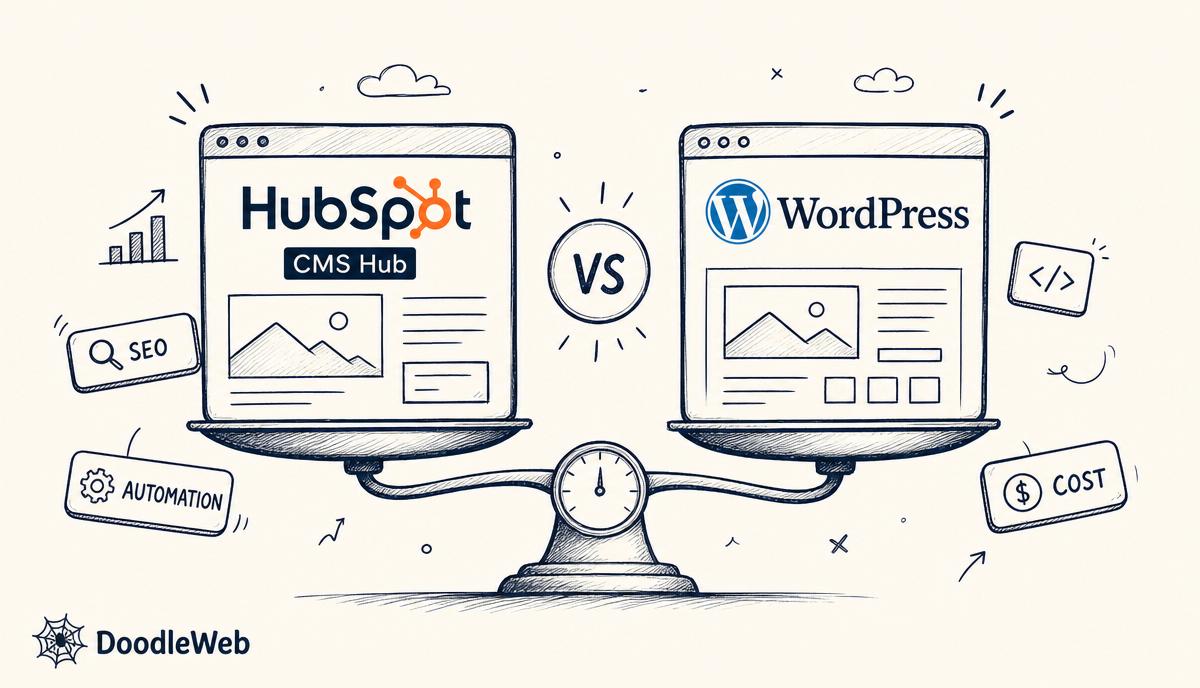
Short answer: a WordPress to HubSpot CMS migration usually takes 8–12 weeks. You rebuild the design as a HubSpot theme with drag-and-drop modules, move pages and blog posts with HubSpot's import tools, replace plugins with native HubSpot features, and redirect every changed URL. It makes the most sense for B2B teams that already use HubSpot's CRM and want forms, content and reporting in one place.
Why do B2B teams move from WordPress to HubSpot?
- One system: website, forms, CRM, email and attribution reporting together.
- Personalisation: smart content by lifecycle stage, list or country.
- Less maintenance: hosting, security, CDN and SSL are managed.
- Marketer independence: editors build pages from modules without developers.
What moves from WordPress to HubSpot?
| WordPress | Becomes in HubSpot |
|---|---|
| Theme | HubSpot theme with custom modules |
| Pages | Website pages or landing pages |
| Posts | Blog posts (via blog import) |
| Categories and tags | Blog tags |
| Custom post types | HubDB tables or custom objects |
| Form plugins | HubSpot forms tied to CRM properties |
| SEO plugin settings | Native page SEO settings |
| Plugins | Native features, HubSpot apps or custom modules |
When is HubSpot CMS the wrong choice?
If you sell ecommerce, need complex membership or LMS features, run a very large content library with many custom content types, or do not use HubSpot's CRM, WordPress is usually better value. HubSpot CMS pricing also rises with seats and features, so model the total cost first. Our HubSpot CMS vs WordPress comparison covers the trade-offs.
How do you keep SEO during the move?
- Crawl WordPress and export Search Console data.
- Keep blog slugs; HubSpot lets you set the blog root path to match.
- Add 301 redirects in HubSpot's URL redirects tool for anything that changes.
- Copy titles, meta descriptions and featured images for every post.
- Re-add structured data in templates (Article, Organization, Breadcrumb).
- Submit the new sitemap on launch day and track 404s for a month.
How long does it take?
Small marketing sites with a blog take 6–8 weeks. Sites with resources libraries, gated content, several languages or custom integrations take 10–12 weeks or more. Theme build and module design usually take the most time.
What do teams forget?
- Mapping every form field to the right CRM property.
- Rebuilding thank-you pages and conversion tracking.
- Training editors on modules before launch.
- Setting up smart content only after the core site is stable.
The full plan is on our WordPress to HubSpot migration page. DoodleWeb is a HubSpot Solutions Partner — talk to us about your portal.
Seattle agency · Seattle, WA
A full-service digital agency working in WordPress, Drupal, Shopify, Webflow, React, and React Native. We partner with universities, nonprofits, governments, and growing brands to ship sites that hold up after launch.