Most local service businesses treat their Google Business Profile photos as an afterthought. They upload an outdated logo, a cropped team picture from five years ago, and maybe two shots of their office lobby. Then they wonder why competitors down the street capture more phone calls from Google Maps.
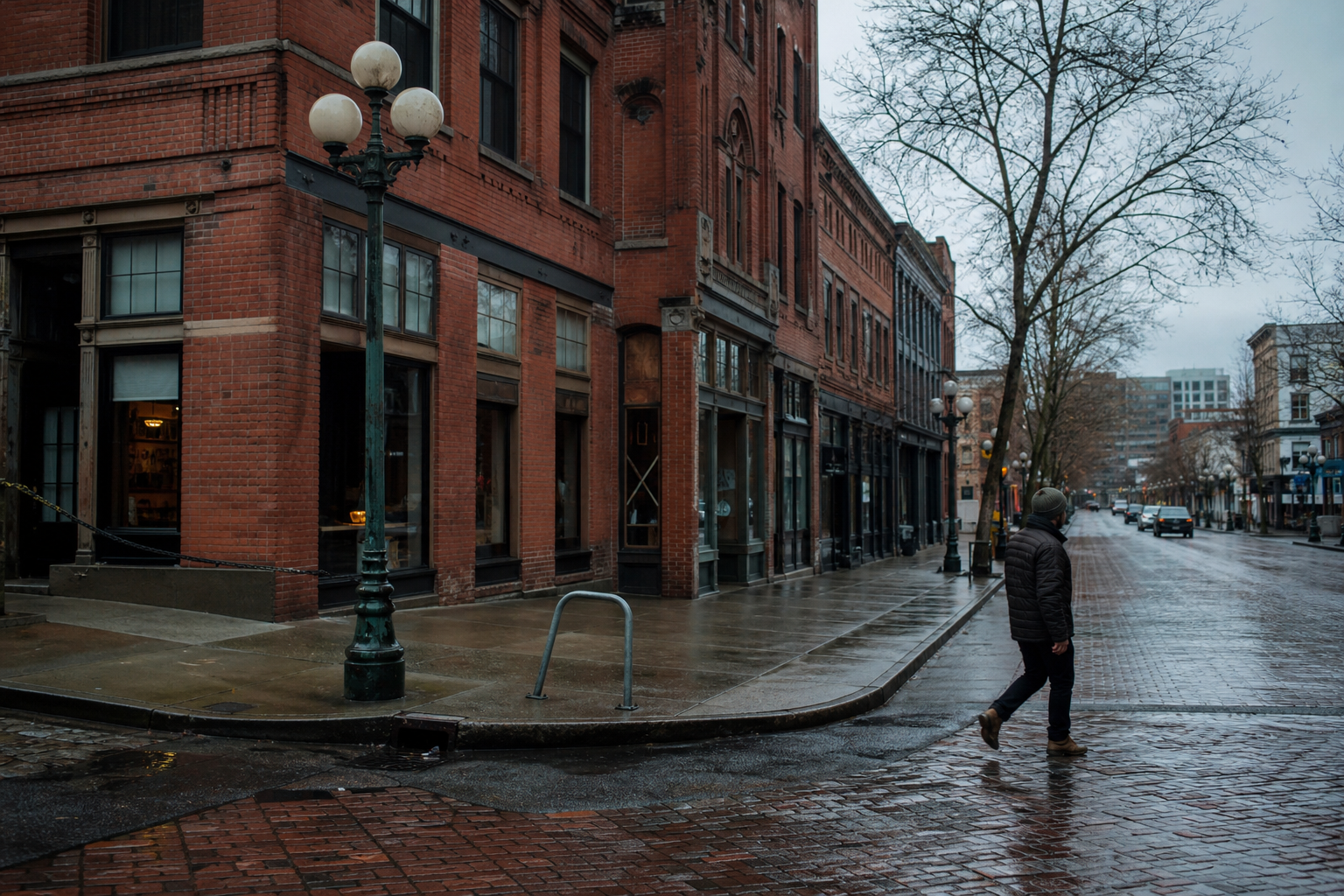
Photos are not decorative assets. In the local map pack, images serve as direct trust signals for prospective customers and relevance cues for Google's computer vision algorithms. When someone in Ballard searches for an emergency plumber or an HVAC specialist in Bellevue, visual proof of real work closes the deal.
Stock imagery will not help you here. Google actively flags and deprioritizes generic stock assets, and Seattle consumers spot sterile stock photography immediately. Here is the operational photo framework we implement for our Puget Sound service clients.
Why do photos influence your local rankings?
Google wants to return businesses that are legitimate, active, and physically present in the target community. When you feed your profile consistent, geo-relevant imagery, you feed Google's Cloud Vision API raw data that verifies your trade.
The Vision API scans uploads to detect entities, labels, and text. If an electrical contractor uploads a photo of a modern circuit panel upgrade in a Phinney Ridge craftsman home, Google extracts tags such as electrical wiring, breaker panel, and renovation. That visual data reinforces the service categories selected on your listing.
Beyond the algorithm, real customer behavior drives conversions. Listings with frequent photo updates see higher click-through rates to their websites and more direction requests. A homeowner whose basement is flooding in West Seattle will call the contractor whose profile shows real service vans and technicians actively working on local foundations.
What types of photos should service businesses post?
A complete profile requires five specific photo buckets. Do not post fifty pictures of your logo. Instead, balance your library across these operational categories:
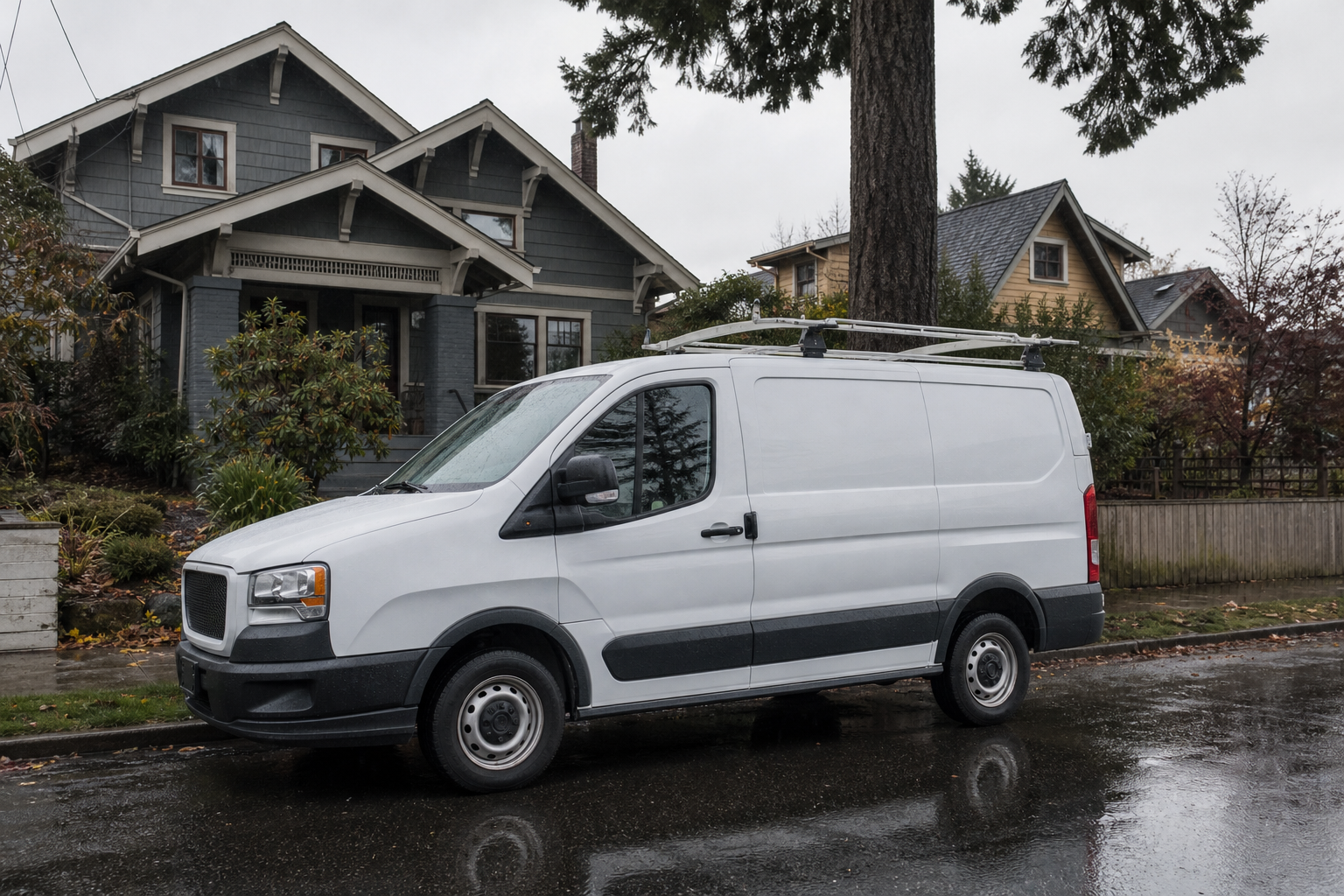
- Branded fleet and equipment: Clear shots of your work vans, trucks, and specialized tools parked on Seattle streets or job sites. Include your company lettering and license numbers.
- The real crew in gear: High-resolution headshots and candid working shots of technicians wearing clean branded uniforms. Customers want to see who will be knocking on their front door.
- Job site before-and-afters: Document challenging local work. Think moss-covered roofs restored in Queen Anne, heat pumps installed in Kirkland backyards, or sewer line repairs in Capitol Hill.
- Shop and warehouse operations: Show where your team starts the morning. An organized shop floor in Georgetown or an inventory bay in the SODO district proves operational permanence.
- Certifications and safety badges: Crisp photos of industry licenses, clean safety equipment, and local manufacturer certifications displayed in your facility.
Visual verification beats slick marketing copy every single time. A customer evaluating two local roofers will choose the one showing actual cedar shingle replacements in their own neighborhood.
How should you format and geotag images?
You do not need to manipulate EXIF data with third-party geotagging software. Google often strips or ignores manual EXIF coordinate injections because spammers abused them for years.
Instead, rely on native camera metadata and real visual context. Take job site photos directly from modern smartphones with location services enabled. Google reads the natural capture time and genuine GPS coordinates embedded by the operating system.
Keep the file names descriptive and natural. Skip keyword stuffing like "best-plumber-seattle-cheap-plumbing-repair.jpg". Use plain, descriptive filenames such as "heat-pump-installation-kirkland-wa.jpg" or "panel-upgrade-fremont-home.jpg". Keep image resolution at a minimum of 1200 by 900 pixels, properly exposed, without heavy filters or digital borders.
How often should you upload new images?
Consistency matters more than bulk uploads. Dumping two hundred photos on a Tuesday and ignoring the profile for eight months looks like an automated scrape. It gives Google no signal of ongoing business activity.
Aim for two to four fresh photos every week. Build this habit into your field operations. Require your lead technicians to capture three clear landscape photos at the completion of every project. Have them document the completed installation, the neighborhood streetscape, and the technician standing beside the equipment.
Review your profile monthly to audit customer-submitted photos. User-generated content helps ranking, but occasionally an unhappy customer or random passerby will post an irrelevant or blurry shot. While you cannot delete customer photos directly, you can flag inappropriate or unrelated images through your Google Business Profile dashboard for policy review.
Turn your visual proof into phone calls
Local search visibility in the Pacific Northwest requires more than metadata tweaks. It demands visible proof that your crews are on the road, completing projects, and solving problems across King, Pierce, and Snohomish counties every single day.
If your local rankings have stalled or your Google Business Profile fails to generate qualified inquiries, we can help. Request a free website audit report to see where your local presence stands, or get in touch with our team through our contact page.

Founder & Lead Strategist · Seattle, WA
Chandan Sharma co-founded DoodleWeb in Seattle and leads its AI search visibility work, including the SiteSonar platform.

Reviewed by Mark Yuasa