
What is LocalBusiness Schema?
LocalBusiness schema is code that explicitly tells search engines about your business. It confirms your name, address, phone number, and business category. Think of it as a standardized digital nameplate for your company in Google's eyes.
Most modern websites, including those on WordPress or Squarespace, implement some form of it automatically. But the default settings are often incomplete. That generic implementation is not enough to compete in a crowded market like Seattle.
The Schema Fields Most Seattle Sites Botch
We audit dozens of Puget Sound business websites a month. We see the same LocalBusiness schema mistakes again and again. Getting these right provides a small but meaningful edge.
/The Wrong Business `@type`
Many sites use the generic @type of LocalBusiness. This is a missed opportunity. Schema allows for hundreds of more specific types, from Dentist and Plumber to MotorcycleRepair.
Being specific matters. If your Bellevue office is a law firm, your @type should be LegalService, not LocalBusiness. If you run a brewery in Ballard, use FoodEstablishment or even Brewery. This removes all ambiguity for Google.
/An Inconsistent `address`
Your schema address field must match your Google Business Profile address. Exactly.
We often see discrepancies that confuse search engines. A Pioneer Square business might list "1st Ave S" on their website but "1st Avenue South" on their Google profile. A company in the U-District might omit a suite number from their schema. These small inconsistencies erode trust. Pick one format and use it everywhere.
/A Missing `priceRange`
This field is not just for restaurants. It signals affordability. The priceRange field uses a scale of one to four dollar signs (e.g., $$). For a service business, this helps Google understand if you are a budget-friendly option or a premium provider.
An accounting firm in Tacoma serving high-net-worth individuals should have a different priceRange than a firm focused on small business bookkeeping. This helps pre-qualify customers.
/No `geo` Coordinates
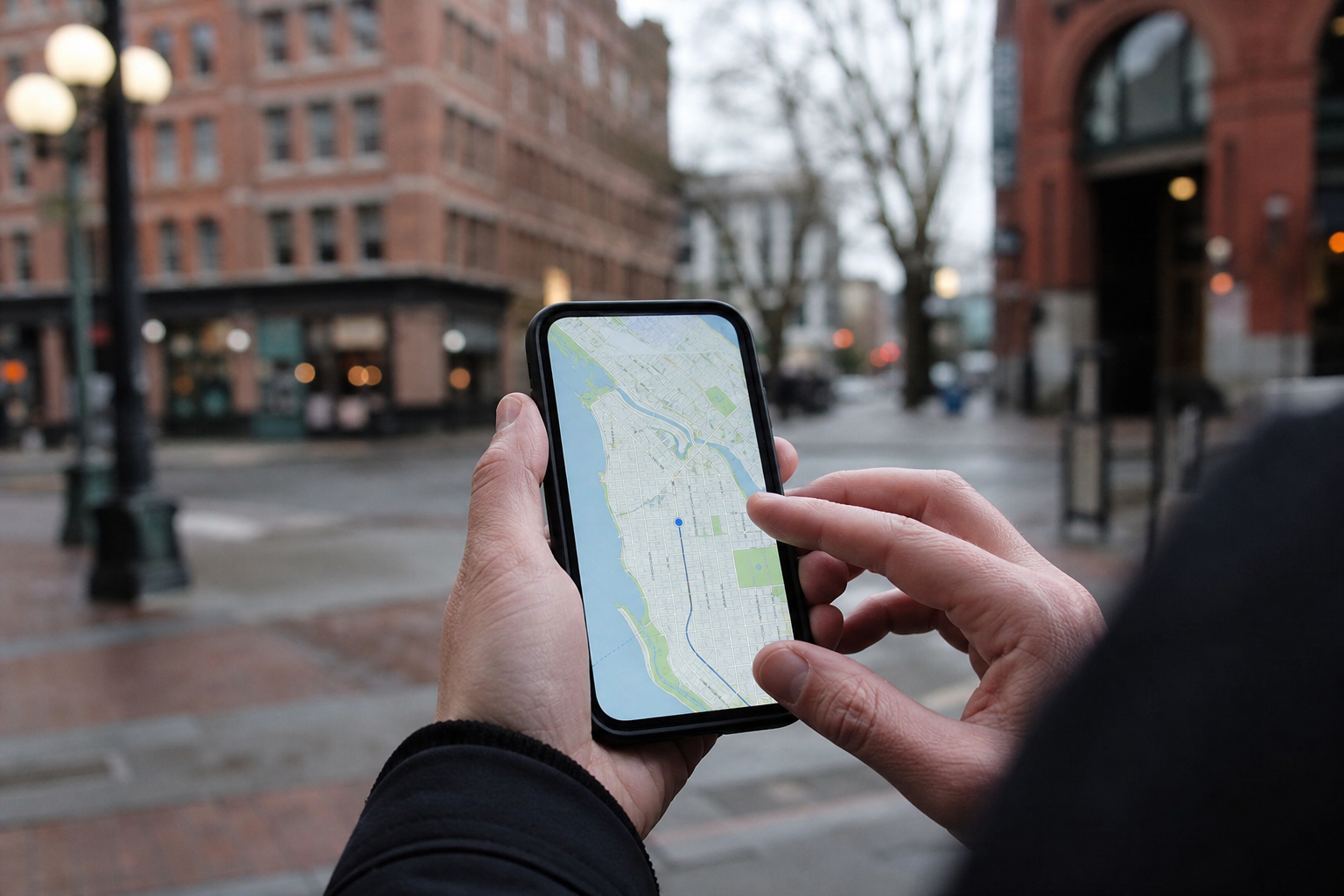
The geo property uses GeoCoordinates (latitude and longitude) to pinpoint your business location on a map. A street address can sometimes be ambiguous, especially in dense Seattle neighborhoods like Capitol Hill. Latitude and longitude are never ambiguous.
Including this property confirms your precise location, leaving nothing for Google to guess.
/Ignoring `areaServed`
This is the most critical error for any business that serves customers at their location. Plumbers, electricians, roofers, and consultants need this field.
If you are a contractor based in Renton, your address is in Renton. But you likely serve a wider area. The areaServed field lets you list the other cities, like "Seattle", "Bellevue", "Kent", and "Kirkland". Without this, Google may struggle to show your business to customers outside your immediate physical location.
Correct schema is not a magic bullet. It is a trust signal. You are showing Google that your data is consistent, accurate, and reliable, which is the foundation of all good SEO.
How Do You Check Your Schema?
You do not need to be a developer to see your site's schema. Google provides a free tool called the Rich Results Test. Enter your URL and it will show you what Google sees. You can identify the @type it found and see what properties are missing.
Fixing these fields often requires a developer or a more advanced SEO plugin. The goal is simple: provide the most specific, accurate, and complete data possible.
Doing so gives Google more confidence in your business. And in the competitive Seattle market, that confidence translates directly to better visibility.
Ready to see how your website's code stacks up? Request our /free-website-audit-report.
Seattle agency · Seattle, WA
A full-service digital agency working in WordPress, Drupal, Shopify, Webflow, React, and React Native. We partner with universities, nonprofits, governments, and growing brands to ship sites that hold up after launch.