
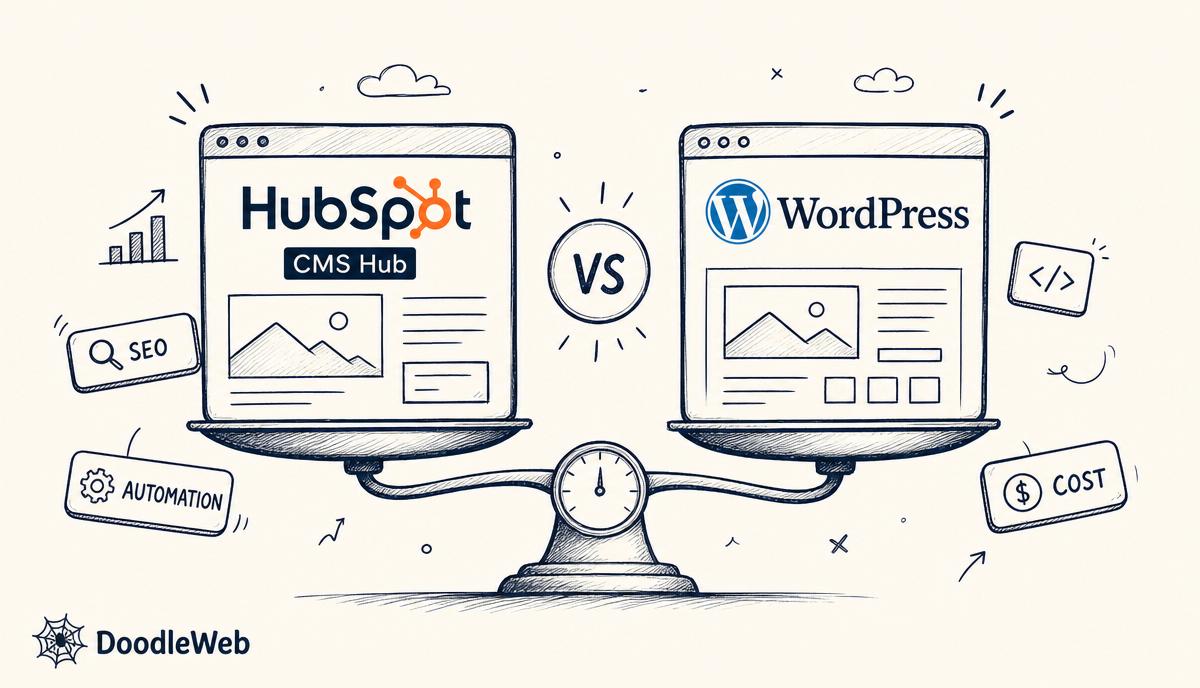
The short answer
For most B2B teams already on HubSpot CRM, HubSpot CMS Hub is the lower-friction choice — your forms, lifecycle stages, lead scoring, and revenue attribution work without integration glue. For teams that need deep content modeling, multi-author editorial workflows, or a non-HubSpot stack, WordPress is still the better answer.
The wrong question is "which CMS is better?" The right one is "where does your buyer's journey actually live?"
When HubSpot CMS Hub wins
- Your sales motion already runs on HubSpot CRM. Every form submission, page view, and email click writes directly into the contact record — no Zapier, no middleware.
- You want CMS-to-CRM personalization (smart content, smart CTAs) that uses lifecycle stage, lead score, or deal stage as the trigger.
- You don't have an internal dev team. CMS Hub's managed hosting, CDN, SSL, and built-in WAF mean you don't hire a sysadmin.
- You need page-level A/B testing tied to pipeline impact, not just clicks.
- You want one vendor invoice and one support line.
Typical fit: B2B SaaS, professional services firms, mid-market companies running marketing + sales on HubSpot.
When WordPress wins
- You need complex content modeling — many post types, custom taxonomies, ACF field groups, editorial workflows with multiple roles.
- You publish a lot. WordPress's editorial UX still beats CMS Hub for high-volume content teams.
- You run a community, membership, or LMS (BuddyBoss, MemberPress, LearnDash, LifterLMS).
- You sell physical goods through WooCommerce.
- You want full control over hosting, code, plugins, and the database.
- Your CRM is Salesforce, Pipedrive, Zoho, or homegrown — not HubSpot.
Typical fit: media, higher education, nonprofits, eCommerce, agencies, anyone with a strong editorial discipline.
Side-by-side
| Dimension | HubSpot CMS Hub | WordPress |
|---|---|---|
| Hosting | Managed, included | Self-hosted (WP Engine, Kinsta, Pantheon) |
| CMS-to-CRM | Native, zero glue | Plugin or middleware |
| Personalization | Smart content, lifecycle-aware | HubSpot plugin or custom code |
| Editorial UX | Good for marketing teams | Best in class for content teams |
| Custom dev | HubL, modules, serverless functions | PHP, full plugin ecosystem |
| eCommerce | Limited (Stripe integration) | WooCommerce, Shopify plugin |
| SEO control | Strong, opinionated | Total — Yoast / RankMath / All in One |
| Security | HubSpot-managed | Your responsibility (or your host's) |
| Total cost (3 yr) | $1,200–$3,600 / mo (subscription) | $200–$800 / mo hosting + plugins + maintenance |
| Migration in/out | Possible but costly | Easier — open ecosystem |
Cost reality
HubSpot CMS Hub starts around $1,200/month for Professional and $3,600/month for Enterprise (annual). WordPress on WP Engine starts around $300–$600/month all-in. CMS Hub is more expensive on the line item — but if you replace HubSpot integration glue, separate hosting, separate WAF, and a part-time WP maintainer, the gap closes.
Common mistakes B2B teams make
- Migrating to CMS Hub for the "all-in-one" pitch without auditing whether their CRM actually uses HubSpot. If sales lives in Salesforce, CMS Hub's main advantage is gone.
- Staying on WordPress out of habit when the marketing team is fighting integration glue every day. Death by a thousand Zaps.
- Underestimating CMS Hub's HubL learning curve. It's not WordPress. Theme dev is a real specialty.
- Migrating without URL mapping. Either platform loses traffic if you skip the redirects.
How DoodleWeb helps
DoodleWeb is a HubSpot Gold Solutions Partner and a WP Engine Advanced Partner. We don't have a horse in this race — we recommend the platform that fits your stack, your team, and your buyer's journey. We build both, migrate between both, and connect both to your CRM.
If you want help deciding, book a 30-minute consultation and we'll map your stack honestly.
FAQ
Can you migrate from WordPress to HubSpot CMS Hub without losing SEO? Yes. Full URL mapping, 301 redirects, content parity, post-launch crawl and rank monitoring. We've done it with 300+ page sites without traffic loss.
Can HubSpot CMS Hub handle a 1,000-page website? Yes, but the editorial UX gets clunky over a few hundred pages. We typically pair CMS Hub with HubDB for high-volume structured content (locators, catalogs, libraries).
Do you build custom HubSpot CMS Hub themes? Yes. Custom HubL themes and modules, HubDB-driven dynamic pages, and serverless functions. No marketplace template installs.
Which is better for SEO, HubSpot CMS Hub or WordPress? Neither. Both rank fine with proper IA, schema, performance, and content. SEO is the work, not the platform.
What if I want to move off HubSpot CMS Hub later? It's harder than leaving WordPress because of HubL templates and HubDB. Not impossible — we've done it — just factor the switching cost into the original decision.
Book a platform consultation →
Seattle agency · Seattle, WA
A full-service digital agency working in WordPress, Drupal, Shopify, Webflow, React, and React Native. We partner with universities, nonprofits, governments, and growing brands to ship sites that hold up after launch.